A world that keeps moving
Everyone online shares the same world, the same clock and the same sky.
Four seasons
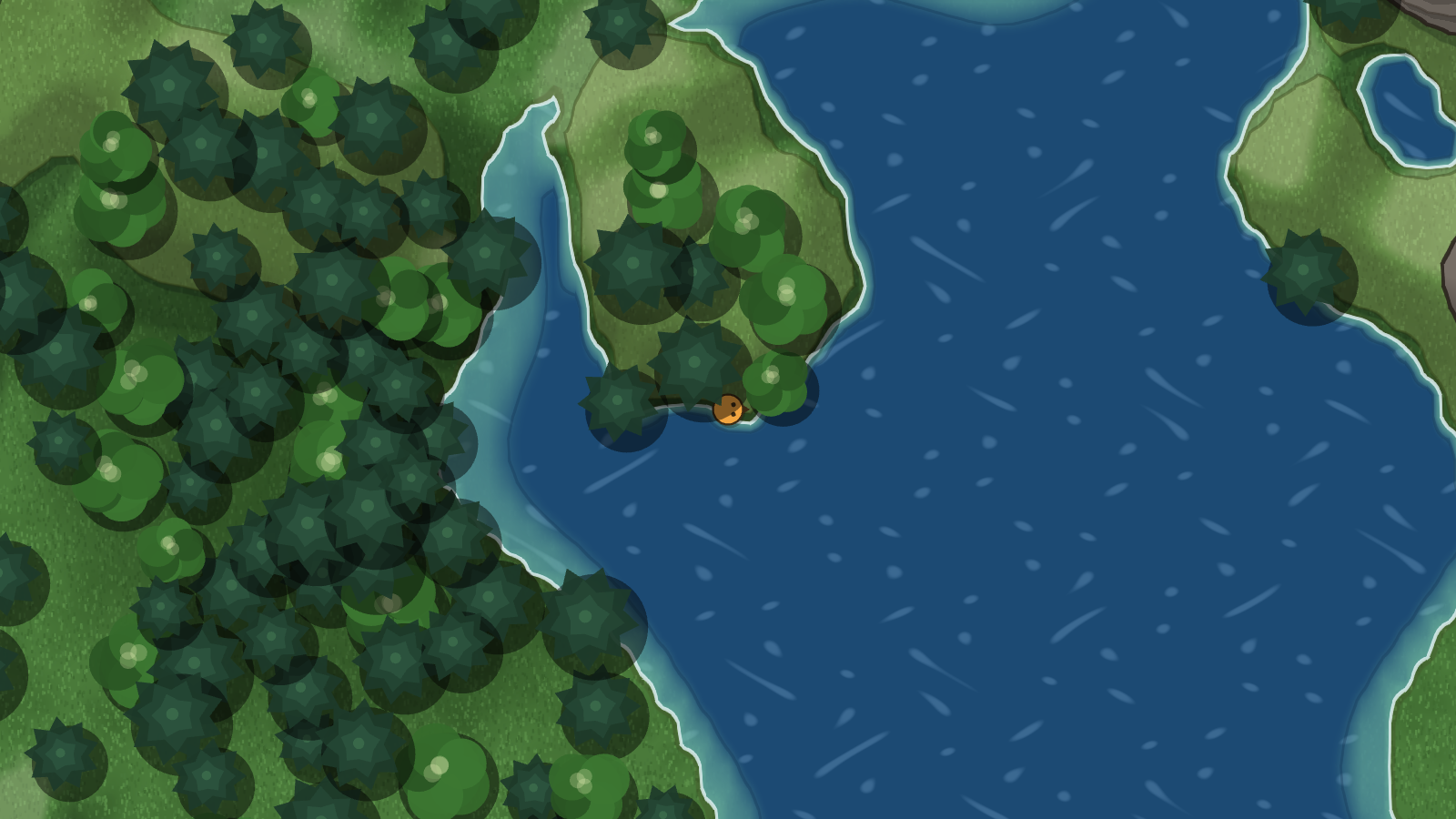
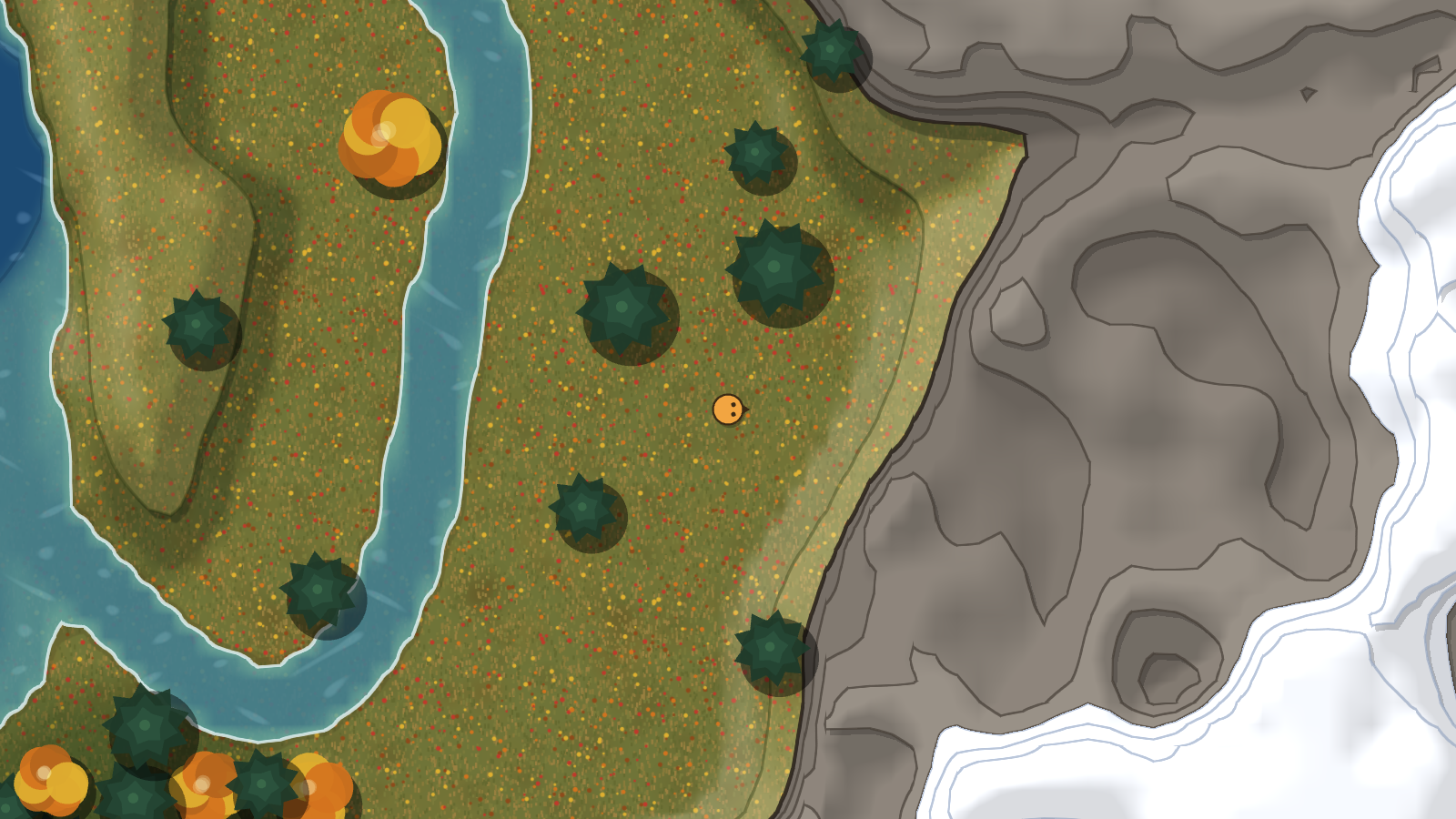
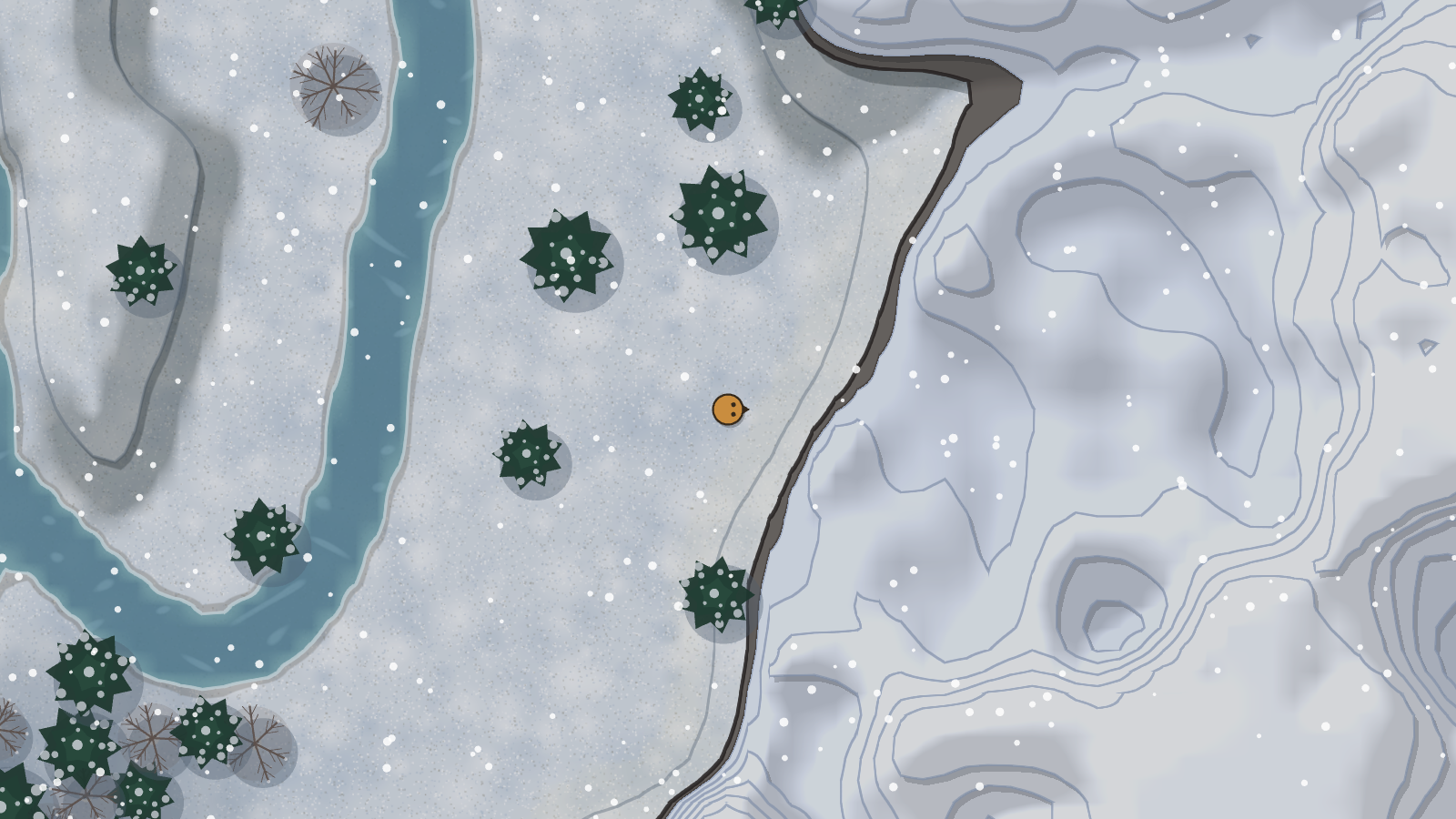
Spring flowers, summer green, autumn leaves and deep winter snow, all fading into one another as time goes by.
Day and night
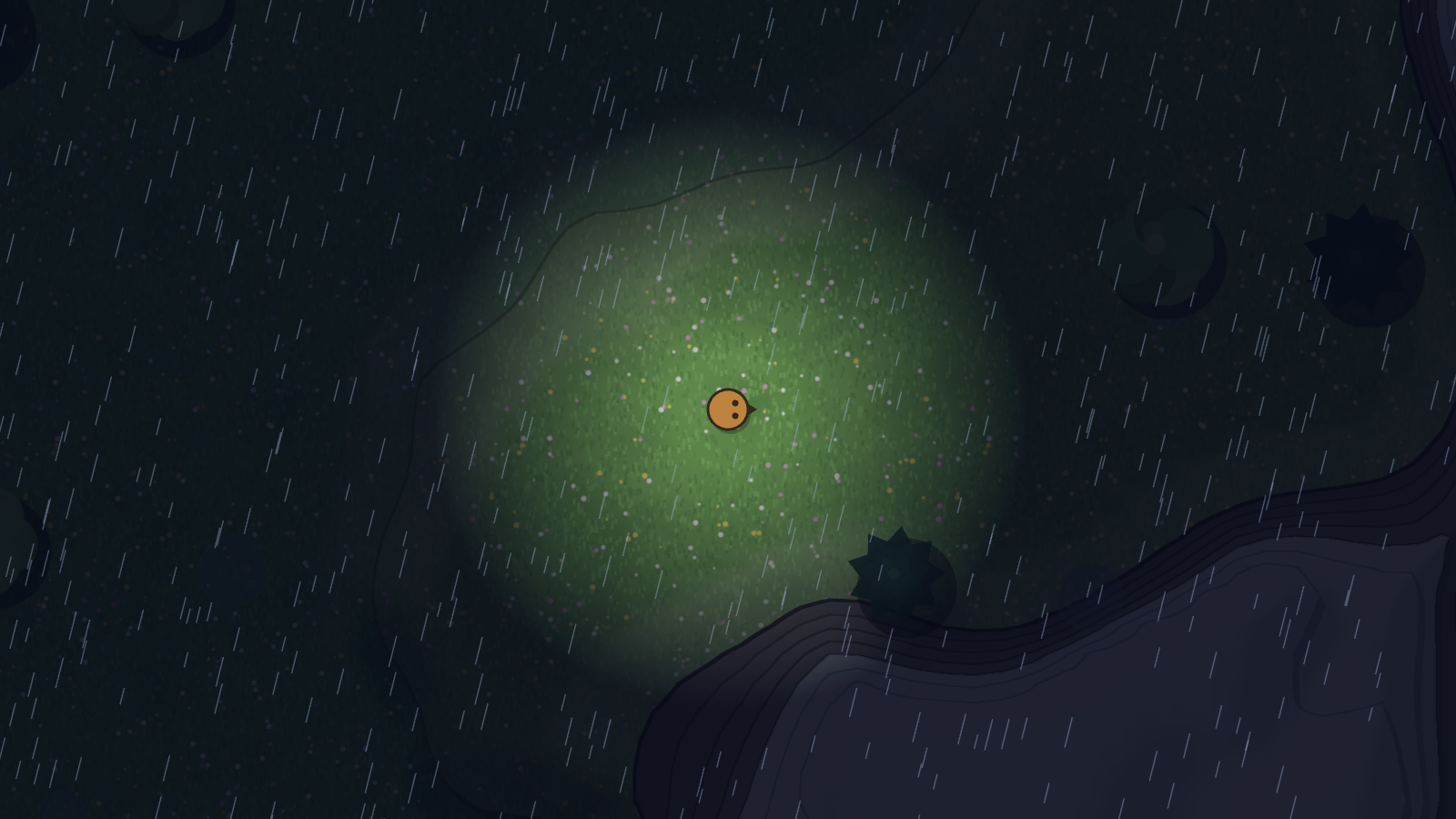
Long days and short, dark nights. When the sun goes down, you only see what is close around you.
Real weather
Rain showers leave puddles behind. Fog rolls in and out. In winter, the rain turns to snow.
Play together
Pick a name and a colour and join the server. Everyone nearby shows up in the world with you.
Through the year
Screenshots straight from the game.
How to play
Up and running in under a minute.
Download
Grab the zip for your computer using the buttons above.
Unzip and start
Extract the zip anywhere, then open Terrarium.exe (on Linux: Terrarium.x86_64).
Join in
Type your name, pick a colour and press Play online. That's it!
Windows says "Windows protected your PC"
That message appears for new games that aren't from a big publisher yet. Click More info, then Run anyway. You only need to do this the first time.
The game won't start on Linux
Make the game file runnable first: right-click Terrarium.x86_64 → Properties → allow running as a program. Or, in a terminal in that folder: chmod +x Terrarium.x86_64 && ./Terrarium.x86_64
It says it can't connect
Check that the server box on the start screen says msouthwick.com. If it still can't connect, the server may be restarting for an update. Try again in a minute. You can always press Play offline to explore on your own.